
Select Your Vehicle Brand
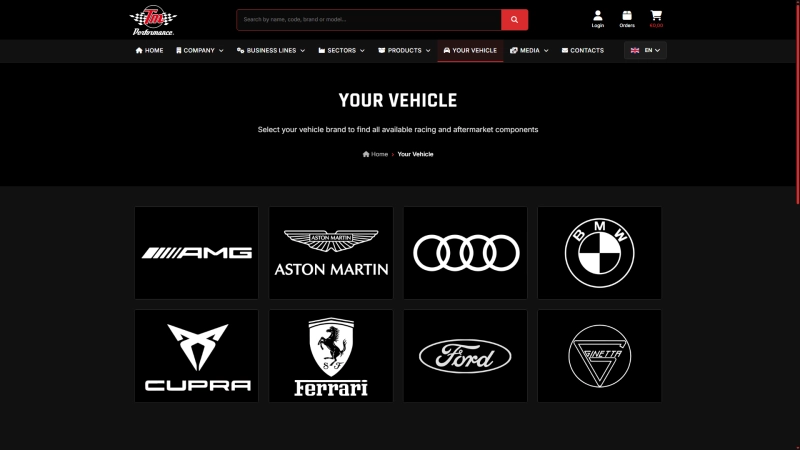
The Your Vehicle page displays a list of major automotive manufacturers supported in the TM Performance catalog.
Each brand is presented as a visual card that allows users to quickly select the manufacturer of their vehicle.
This makes navigation more intuitive and allows users to start their search directly from the vehicle brand.
Browse Available Models
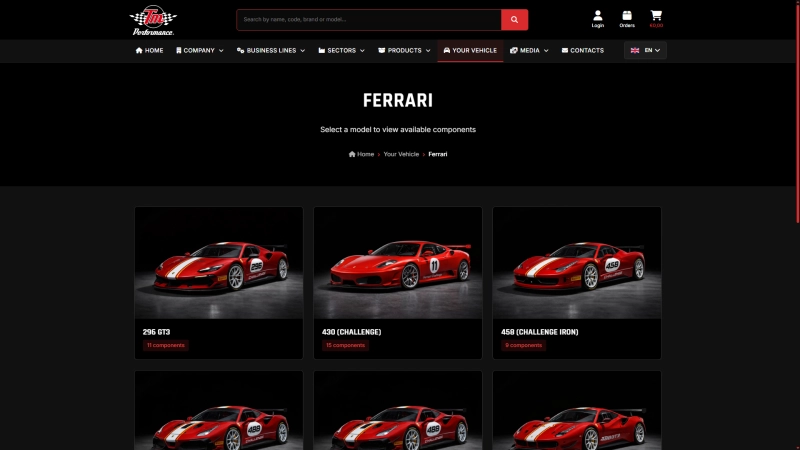
After selecting a vehicle brand, the system displays all supported models currently available in the catalog.
Each model is presented as a card with a vehicle image and the number of compatible components available.
This allows users to immediately understand how many parts are available for a specific model.
View Compatible Components
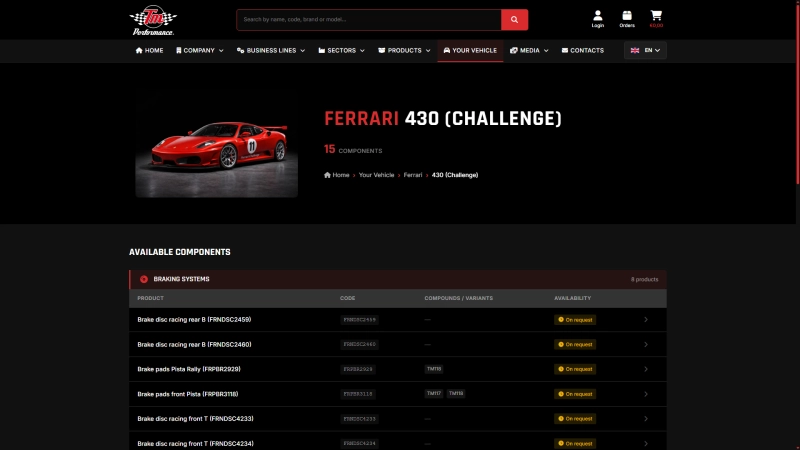
Once a model is selected, the system displays the complete list of compatible components organized by category.
Each product entry includes:
• product name
• product code
• available variants
• availability status
Users can click on the product name to open the detailed product page.
Detailed Product Page
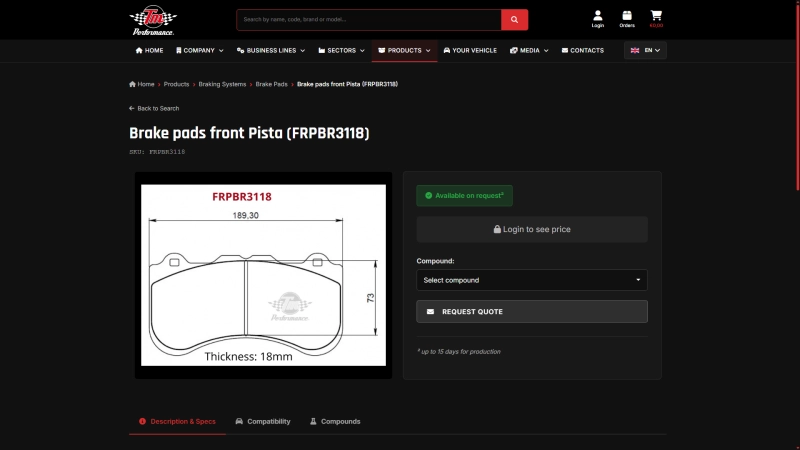
The product page provides complete technical information about each component.
Users can view:
• technical drawings
• product specifications
• available compounds
• compatibility information
From this page it is also possible to send a quotation request.
Watch also the video presentation of the new YOUR VEHICLE section.